
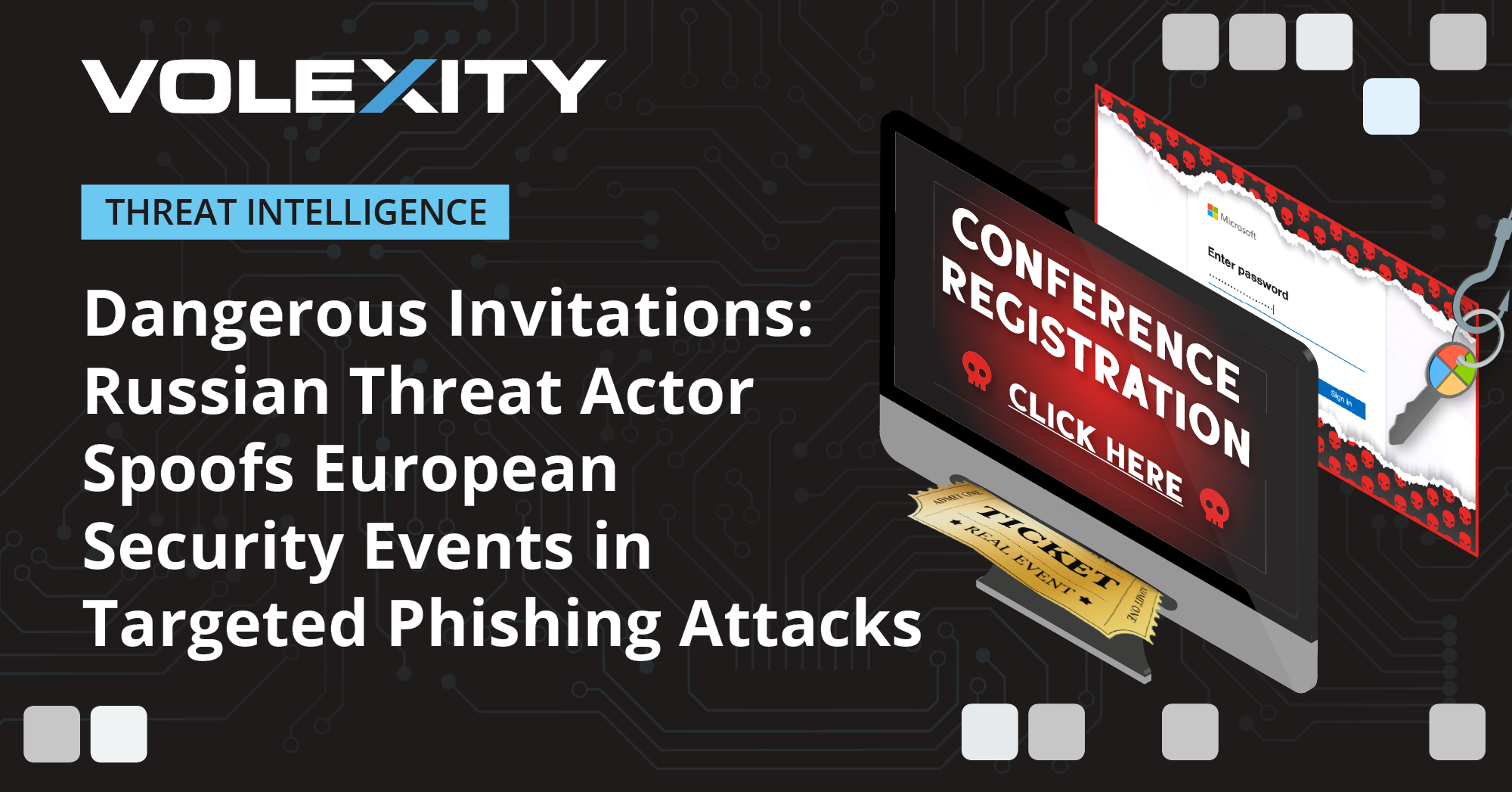
 Cybersecurity teams across the United States are tracking a large phishing campaign that uses fake event invitations to steal credentials, capture one-time passcodes and push legitimate remote access tools onto targeted systems.
The campaign has drawn attention because it does not rely on a single tactic. Victims are directed to event-themed pages that look like ordinary invitations for parties, conferences, networking sessions or workplace gatherings. The pages often begin with a CAPTCHA check, a feature that helps create a sense of legitimacy while also filtering automated security scanners.
After the initial screen, users are taken to a polished invitation page and prompted to sign in through a familiar email or cloud service. When credentials are entered, the phishing infrastructure can collect usernames and passwords and, in some cases, intercept one-time passcodes used for multi-factor authentication. That gives attackers a route into accounts even where basic two-step verification has been enabled.
The same operation has also been linked to the misuse of remote monitoring and management tools, including ScreenConnect, ITarian, Datto RMM, ConnectWise and LogMeIn Rescue. These platforms are widely used by IT teams for legitimate support, but attackers increasingly abuse them to maintain access while blending into normal administrative activity.
Security researchers have identified nearly 160 suspicious links and about 80 phishing domains connected to the campaign. Many of the domains used the. de top-level domain and appear to have been registered from December 2025 onwards. The infrastructure shows signs of a repeatable framework, allowing threat actors to generate new event-themed lure pages quickly and reuse common URL patterns, image paths and page elements.
Education, banking, government, technology and healthcare organisations are among the sectors most exposed. These fields depend heavily on cloud email, shared documents, remote administration and identity-based access, making stolen credentials especially valuable. A single compromised mailbox can be used to reset passwords, harvest sensitive files, impersonate employees or launch fresh phishing messages from a trusted account.
The campaign reflects a wider shift in cybercrime from malware-heavy intrusions to identity-led compromise. Attackers no longer need to break through a firewall if they can persuade an employee to enter login details on a convincing page. Once they obtain valid credentials, they can appear as authorised users, bypassing several layers of traditional perimeter defence.
One notable feature is the combination of social engineering and operational flexibility. The invitation theme lowers suspicion because it mirrors familiar workplace behaviour: opening event links, confirming attendance and signing in to view details. If the target hesitates, the page can use urgency, curiosity or repeated password prompts to keep the user engaged.
The use of remote access software raises the risk further. When a victim installs a legitimate support tool, the attacker may gain screen visibility, keyboard and mouse control, file transfer capability and persistence after a reboot. Because such tools are not inherently malicious, endpoint alerts may be weaker than those triggered by conventional malware.
Security teams are being urged to treat unexpected invitations as a high-risk category, especially when they ask users to sign in, complete a CAPTCHA or download software. Domain registration dates, unusual top-level domains, repeated resource paths and redirects through multiple pages are among the signals that can help detect related activity.
Multi-factor authentication remains important, but this campaign shows why one-time codes are not a complete safeguard. Phishing-resistant methods such as hardware security keys, passkeys and number-matching push approvals provide stronger protection against real-time interception. Organisations also need conditional access policies that flag impossible travel, unfamiliar devices and unusual login locations.
The campaign places particular pressure on security operations centres because its early stages can look routine. A CAPTCHA, a clean invitation design and a normal login box may not trigger immediate concern. The problem often becomes visible only after an account is abused or a remote management client appears on an endpoint.
Topics
Technology